Free AI Tools for Customer Support Without Coding
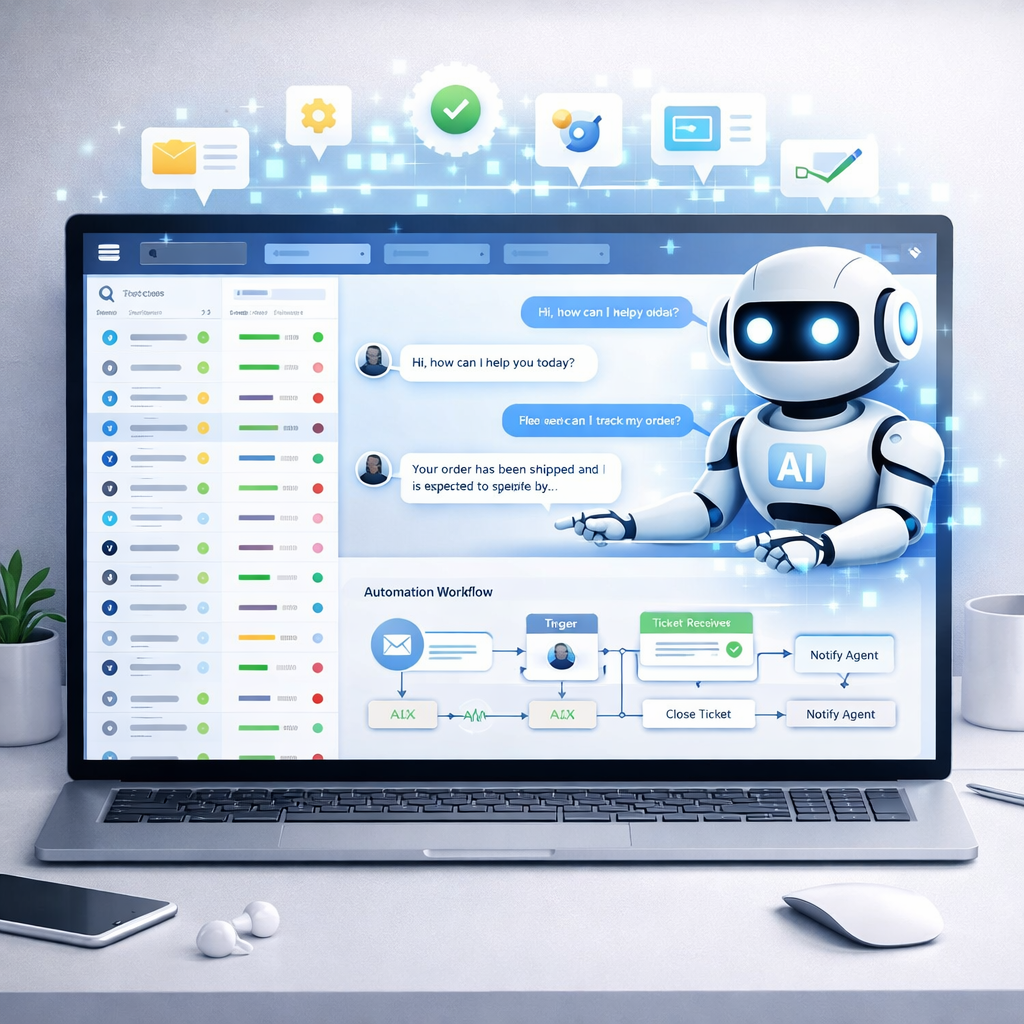
Providing fast and reliable customer support is essential for businesses, but building support systems usually requires technical knowledge. Fortunately, Free AI Tools for Customer Support Without Coding allow companies to automate responses, manage tickets, and assist customers without writing a single line of code.
These no-code AI tools help businesses reduce response time, automate FAQs, and improve customer satisfaction. In this guide, you’ll discover five powerful free AI customer support tools that require no coding.
Why Use Free AI Tools for Customer Support Without Coding?
Using Free AI Tools for Customer Support Without Coding helps businesses:
- Automate customer responses
- Reduce support workload
- Provide 24/7 assistance
- Improve response time
- Handle repetitive questions
- Scale support operations
AI chatbots and automation tools can handle repetitive tasks and speed up resolution, allowing human agents to focus on complex issues. (Crisp)
1. Tidio (No-Code AI Chatbot)
Official Website: https://www.tidio.com/
Tidio is a popular no-code AI chatbot platform designed for small businesses and startups. It offers automation, live chat, and AI-powered responses.
Key Features
- No-code chatbot builder
- Live chat integration
- AI automation workflows
- Website chat widget
- Lead capture tools
Pros
- Beginner-friendly
- Quick setup
- Free plan available
- Visual automation builder
Cons
- Limited automation in free plan
- Branding in free version
How to Use (Step-by-Step)
- Create Tidio account
- Add chat widget to website
- Use drag-and-drop chatbot builder
- Set automated responses
- Activate chatbot
Tidio is widely recognized as a budget-friendly chatbot with no-code automation for small teams. (Chatty | Livechat for Shopify)
2. HubSpot Chatbot Builder (Free No-Code Support Bot)
Official Website: https://www.hubspot.com/
HubSpot provides a free chatbot builder that allows businesses to create conversational bots without coding.
Key Features
- No-code chatbot creation
- Website and Messenger support
- Automated FAQs
- CRM integration
- Conversation routing
Pros
- Completely free tier
- Easy to configure
- CRM included
- Good for beginners
Cons
- Limited customization
- Requires account setup
How to Use (Step-by-Step)
- Create HubSpot account
- Open chatbot builder
- Choose template
- Customize responses
- Publish chatbot
HubSpot’s free chatbot tool allows creating conversational bots “without any code” in minutes. (botpress.com)
3. Freshchat (AI Customer Messaging)
Official Website: https://www.freshworks.com/live-chat-software/
Freshchat is an AI-powered support tool that combines chat, ticketing, and automation.
Key Features
- AI chatbot automation
- Ticketing system
- Knowledge base
- Team inbox
- Customer segmentation
Pros
- Free plan available
- Multi-agent support
- Automation included
- Scalable solution
Cons
- Advanced features paid
- Learning curve
How to Use (Step-by-Step)
- Sign up for Freshchat
- Add website widget
- Configure FAQ automation
- Enable AI responses
- Monitor conversations
Freshchat offers a free plan for up to 10 agents with chat, ticketing, and knowledge base features. (REVE Chat)
4. ChatBot (No-Code AI Conversation Builder)
Official Website: https://www.chatbot.com/
ChatBot is a no-code platform designed for automating customer conversations.
Key Features
- Visual chatbot builder
- Automated FAQs
- Multi-channel support
- Templates
- Analytics
Pros
- Drag-and-drop interface
- Easy automation setup
- Multiple integrations
- No coding required
Cons
- Limited free usage
- Advanced features paid
How to Use (Step-by-Step)
- Create account
- Choose chatbot template
- Add conversation flows
- Connect website
- Activate bot
ChatBot is described as a no-code platform for building AI-powered chatbots across websites and messaging channels. (Featurebase)
5. Freshdesk (AI Ticket Automation)
Official Website: https://www.freshworks.com/freshdesk/
Freshdesk is an AI-powered helpdesk that automates tickets and support workflows.
Key Features
- AI ticket routing
- Automated responses
- Knowledge base
- Multi-channel support
- Reporting dashboard
Pros
- Free plan available
- Scalable system
- Omnichannel support
- Good analytics
Cons
- Advanced automation paid
- Setup time required
How to Use (Step-by-Step)
- Create Freshdesk account
- Add support channels
- Enable AI automation
- Configure ticket rules
- Launch support system
Freshdesk is known for its scalable AI ticketing system and omnichannel support capabilities. (Tidio)
Simple Comparison of Free AI Customer Support Tools
| Tool | Best For | No Coding | Free Plan |
|---|---|---|---|
| Tidio | Website chatbot | Yes | Yes |
| HubSpot | CRM support | Yes | Yes |
| Freshchat | Messaging support | Yes | Yes |
| ChatBot | Conversation automation | Yes | Limited |
| Freshdesk | Ticket automation | Yes | Yes |
Professional Tips for Using AI Customer Support Tools
- Automate FAQs first
- Add knowledge base content
- Use chatbot fallback to human
- Monitor unanswered questions
- Combine chat and ticket systems
- Test conversation flows regularly
FAQ – Free AI Tools for Customer Support Without Coding
1. What is the best no-code AI customer support tool?
Tidio and HubSpot are great beginner-friendly options.
2. Can I build a chatbot without coding?
Yes, many tools provide drag-and-drop chatbot builders.
3. Are free AI support tools enough for startups?
Yes, they handle basic automation and FAQs.
4. Do AI chatbots work 24/7?
Yes, they provide round-the-clock support.
5. Which tool is best for ticket automation?
Freshdesk is a strong option for automated ticket management.
Conclusion
Using Free AI Tools for Customer Support Without Coding helps businesses automate responses, improve customer experience, and reduce support workload. Tools like Tidio, HubSpot, and Freshchat allow you to create AI-powered chatbots and helpdesks quickly without technical skills. By combining these tools, you can build a complete customer support system that operates 24/7 and scales with your business.
Meta Description:
Discover Free AI Tools for Customer Support Without Coding. Learn 5 tools to automate customer service and improve response time.
SEO Keywords:
Free AI customer support tools
no code AI chatbot free
AI customer service tools free
AI support tools without coding
free AI helpdesk tools