Free AI Tools for Graphic Design for Beginners
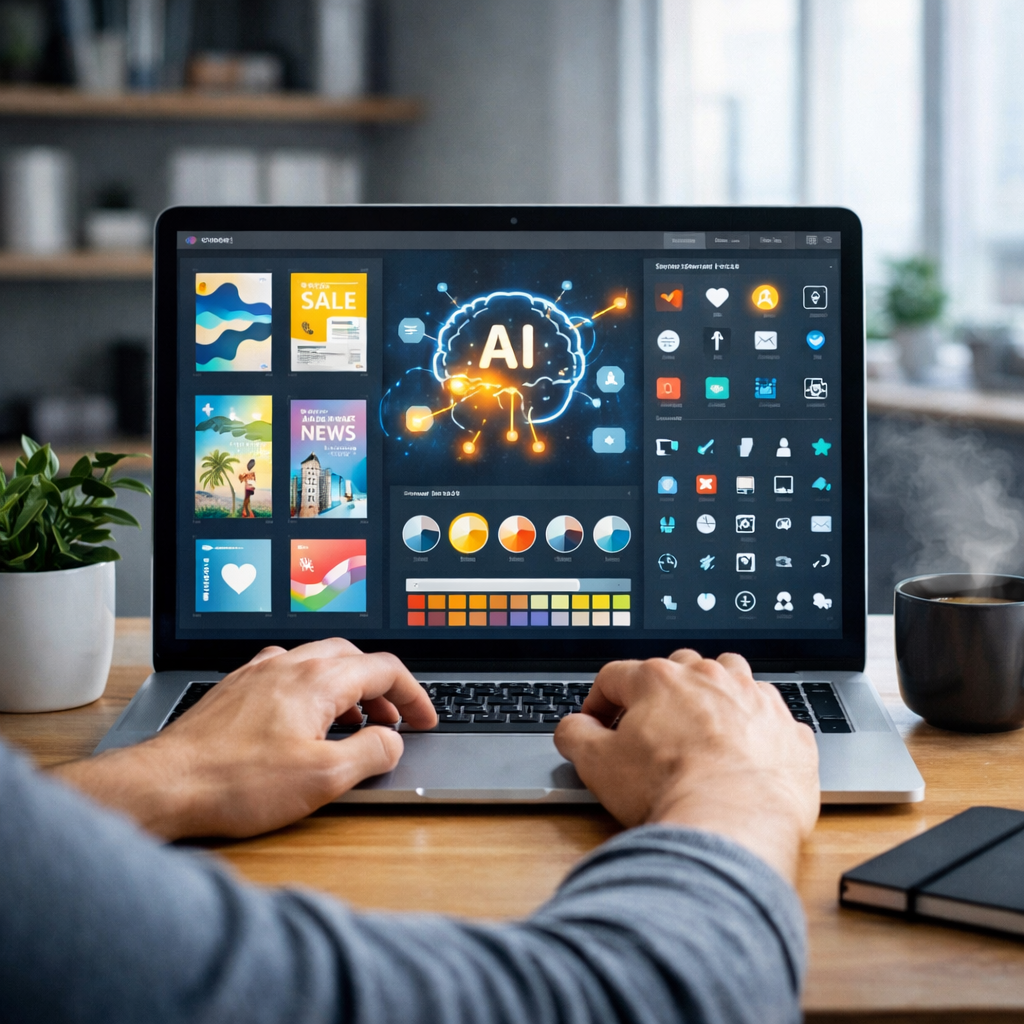
Graphic design no longer requires advanced skills or expensive software. Thanks to Free AI Tools for Graphic Design for Beginners, anyone can create professional visuals for social media, websites, presentations, and marketing materials. These tools use artificial intelligence to generate layouts, images, and design suggestions automatically, making them perfect for beginners.
In this guide, you’ll discover five of the best free AI graphic design tools that are easy to use and powerful enough to create stunning designs.
Best Free AI Tools for Graphic Design for Beginners
1. Canva AI
Official Website: https://www.canva.com
Canva is one of the most popular free design tools. It offers AI-powered features like Magic Design, templates, and drag-and-drop editing that make it ideal for beginners. Canva allows users to create social media graphics, logos, presentations, and more. (Canva)
Key Features
- AI-generated layouts
- Drag-and-drop editor
- Thousands of free templates
- AI image generator
- Social media design tools
Pros
- Extremely beginner-friendly
- Free plan available
- Large template library
Cons
- Some premium assets locked
- Internet required
How to Use
- Create a free Canva account
- Choose design type
- Use AI Magic Design
- Customize template
- Download design
2. Adobe Express AI
Official Website: https://www.adobe.com/express/
Adobe Express is a free AI-powered design tool for creating social media graphics, flyers, logos, and videos. It uses generative AI to create designs from text prompts. (أدوبي)
Key Features
- AI image generation
- Template-based design
- Branding tools
- Background removal
- Quick resize feature
Pros
- Professional quality designs
- Easy to use
- Free plan available
Cons
- Requires Adobe account
- Some features limited
How to Use
- Open Adobe Express
- Choose design format
- Enter prompt
- Edit AI-generated design
- Export file
3. Looka AI
Official Website: https://looka.com
Looka is an AI-powered design tool focused on logo and brand creation. It automatically generates logos based on your preferences and style. (Looka)
Key Features
- AI logo generator
- Brand kit creation
- Social media assets
- Color palette suggestions
- Font recommendations
Pros
- Perfect for beginners
- Fast logo creation
- Simple interface
Cons
- Logo downloads may require payment
- Limited design types
How to Use
- Enter brand name
- Select design styles
- Generate logos
- Customize design
- Download assets
4. Designs.ai
Official Website: https://designs.ai
Designs.ai is an all-in-one AI creative suite that helps beginners create graphics, logos, and marketing visuals automatically. (Umair Nawaz)
Key Features
- AI logo generator
- Banner creation
- Video maker
- Graphic templates
- Smart resizing
Pros
- Multi-purpose platform
- Beginner-friendly
- AI automation
Cons
- Limited free usage
- Requires signup
How to Use
- Create account
- Select design tool
- Enter text prompt
- Customize output
- Download design
5. Adobe Firefly
Official Website: https://www.adobe.com/firefly
Adobe Firefly is a generative AI design tool that creates images and visual assets from text prompts. It’s useful for beginners who want quick design ideas. (أدوبي)
Key Features
- Text-to-image generation
- AI editing tools
- Style variations
- Background generation
- Creative templates
Pros
- Powerful AI generation
- High-quality visuals
- Easy prompt-based workflow
Cons
- Limited free credits
- Requires Adobe login
How to Use
- Visit Adobe Firefly
- Enter prompt
- Generate images
- Choose variation
- Download design
Key Features of Free AI Tools for Graphic Design for Beginners
- AI-generated layouts
- Drag-and-drop editors
- Text-to-image generation
- Logo creation tools
- Template libraries
- Background removal
- Brand kit creation
- Automatic resizing
AI design tools help beginners create professional visuals quickly without advanced skills. (Visme)
Simple Comparison
| Tool | Best For | Ease of Use | Free Plan |
|---|---|---|---|
| Canva AI | All designs | Very Easy | Yes |
| Adobe Express | Social graphics | Easy | Yes |
| Looka | Logo design | Very Easy | Yes |
| Designs.ai | Branding | Easy | Yes |
| Adobe Firefly | AI images | Easy | Yes |
How to Use Free AI Tools for Graphic Design for Beginners
- Choose a design tool
- Select template or prompt
- Generate design with AI
- Customize colors and text
- Export final image
- Use design for social media or website
Professional Tips
- Start with templates for faster results
- Use AI prompts for creative ideas
- Keep designs simple
- Use consistent brand colors
- Choose readable fonts
- Export high-resolution images
- Test different layouts
FAQ
What are the best Free AI Tools for Graphic Design for Beginners?
Canva AI, Adobe Express, Looka, Designs.ai, and Adobe Firefly are top beginner-friendly tools.
Do I need design experience to use these tools?
No, these AI tools are designed specifically for beginners.
Are these tools really free?
Yes, they offer free plans with optional premium upgrades.
Which tool is easiest for beginners?
Canva is considered the easiest to use.
Can I create social media posts using AI tools?
Yes, all listed tools support social media graphics.
Conclusion
Using Free AI Tools for Graphic Design for Beginners makes it easy to create professional visuals without design experience. These AI tools provide templates, automation, and smart suggestions that help beginners design logos, social media posts, and marketing graphics quickly. Start with Canva or Adobe Express, then explore other tools to expand your creativity and improve your workflow.
Meta Description:
Discover the best free AI tools for graphic design for beginners to create logos, social media graphics, and marketing visuals easily.
SEO Keywords:
- free AI tools for graphic design for beginners
- AI graphic design tools free
- beginner AI design tools
- free AI design software
- AI tools for graphic design